Today I'm going to show you how to take a portrait image of your choice and turn it into a comic book style pop art effect using Adobe Photoshop. This...Continue reading


Today I'm going to show you how to take a portrait image of your choice and turn it into a comic book style pop art effect using Adobe Photoshop. This...Continue reading

In this tutorial I am going to show you how easy it is to change eye colour using Adobe Photoshop.

Today I'm going to show you how to take an image and turn it into a ring pixel effect using Adobe Photoshop. This tutorial will go through each step so...Continue reading

In this tutorial I am going to show you how easy it is to change the colour of an object in Adobe Photoshop. In three minutes you will learn a...Continue reading

In this tutorial I am going to show you how to take any image and how to quickly transform it into a cool, colourful Lego portrait using Adobe Photoshop. This...Continue reading

In this tutorial I am going to show you how easy it is to quickly tilt and slant your text in Adobe Photoshop.

Today I am going to show you how to create a grunge style movie poster using Adobe Photoshop. This tutorial will go through each step in the process so it's...Continue reading
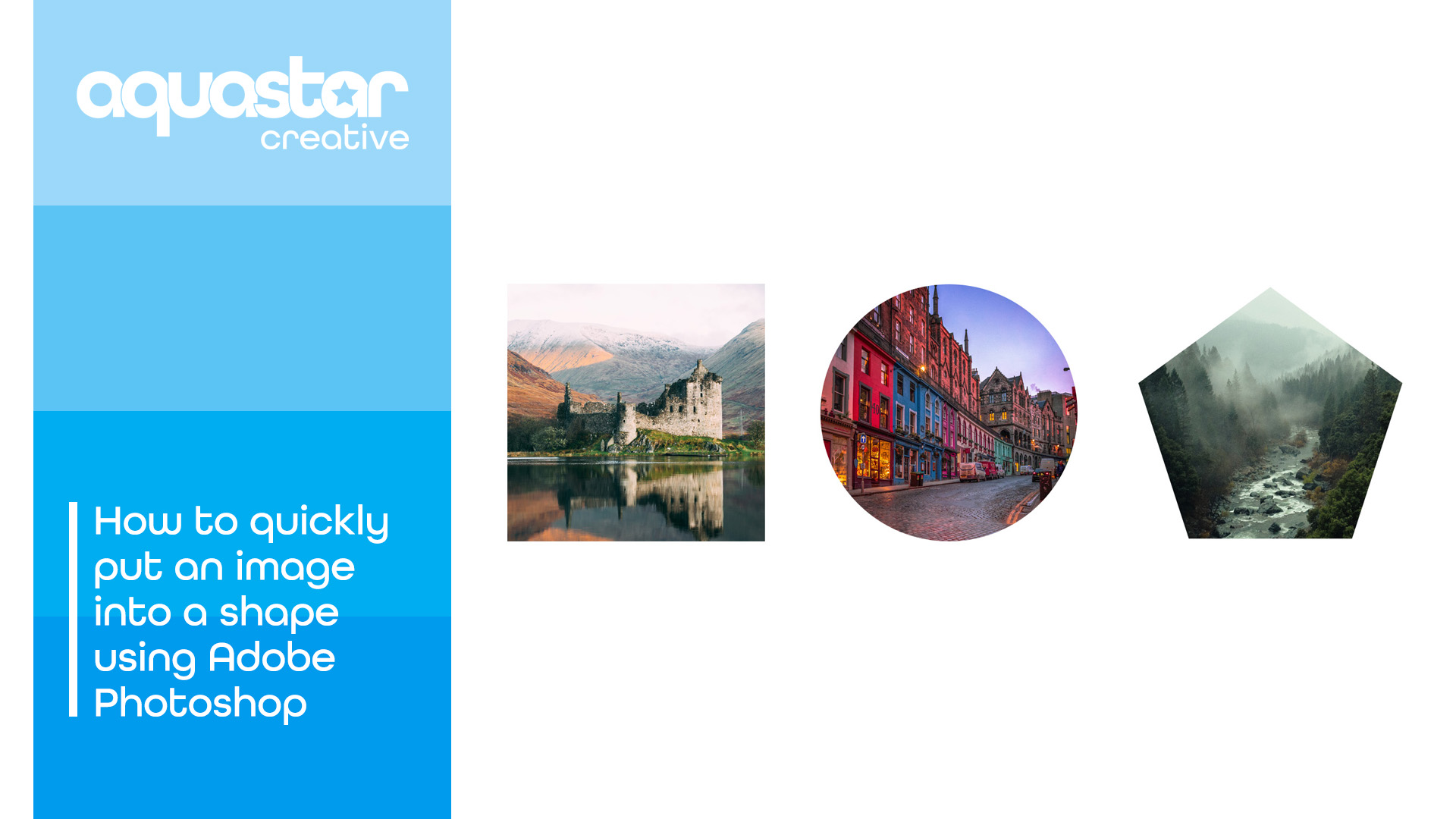
In this tutorial I will quickly show you how to take an image of your choosing and pop it into any shape in just over a minute.

In this tutorial I am going to show you how easy it is to put text behind an object in Adobe Photoshop. In less than two minutes you will learn...Continue reading

In this tutorial I will show you how to quickly blur the background of a photo using Adobe Photoshop in a few easy steps.